
MUTE. PLAY. RECORD.
MUTE A PART.
PLAY YOURS.
Mute the bass, drums, vocals, or guitar and keys in any song playing on your Mac, live and free. Then play your part with the rest of the song, and press Record when you want to keep it.
Apple silicon · macOS 26+ / Windows is on its way
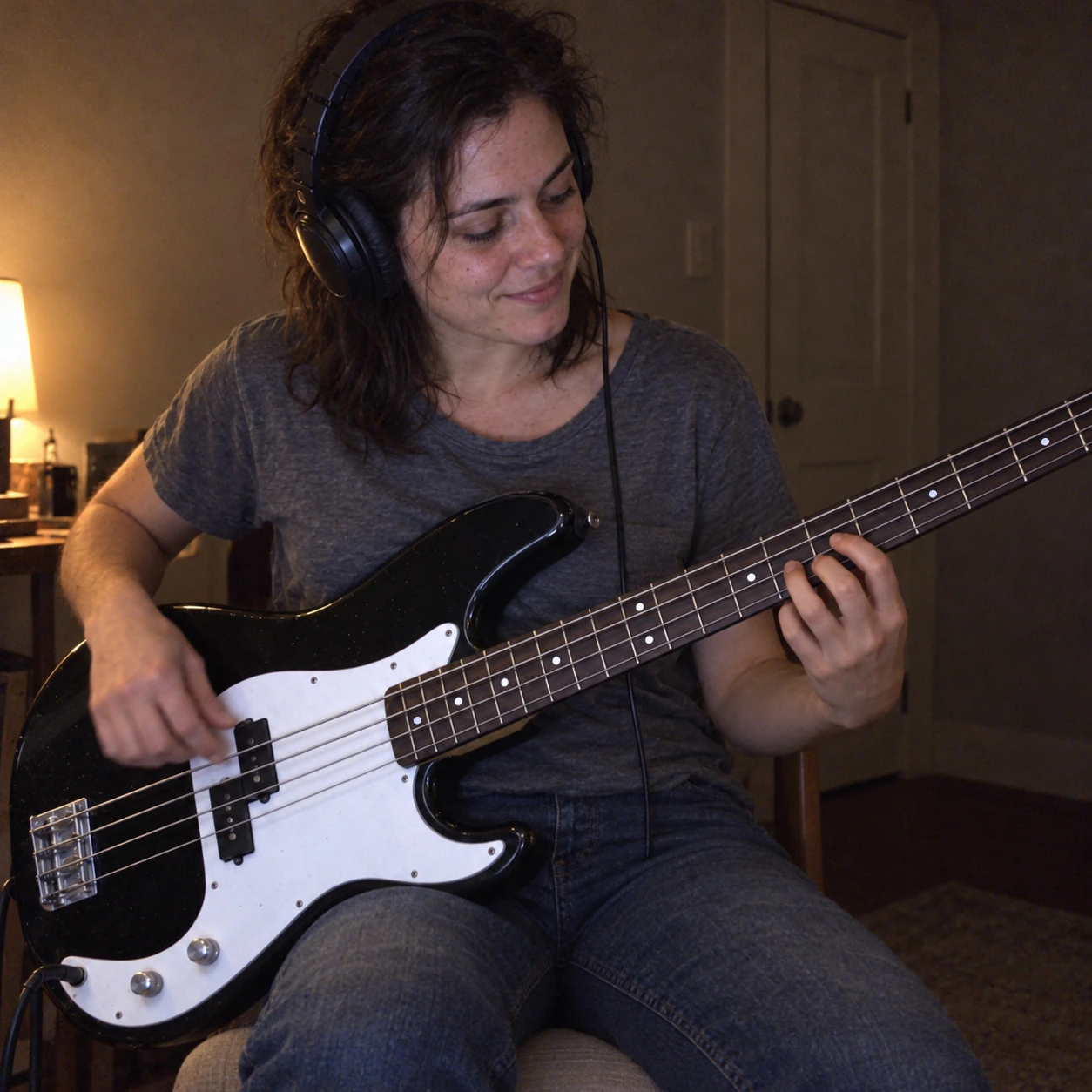
THE EASIEST WAYTO RECORD YOURSELFWITH MUSIC.
Record yourself singing or playing along with a song or backing track. Capture your performance and the music together, with video when you want it.Make a cover, keep a practice take, or share what you’ve been working on.
YOUR MUSIC. RIGHT WHERE YOU PLAY IT.
Play a song, backing track, or music video in your usual app or browser. Select that app in Afinar to record its audio alongside your performance.
 Spotify
 Apple Music
 YouTube
 YouTube Music
 Amazon Music
No DAW.
No routing apps.
Just hit record.
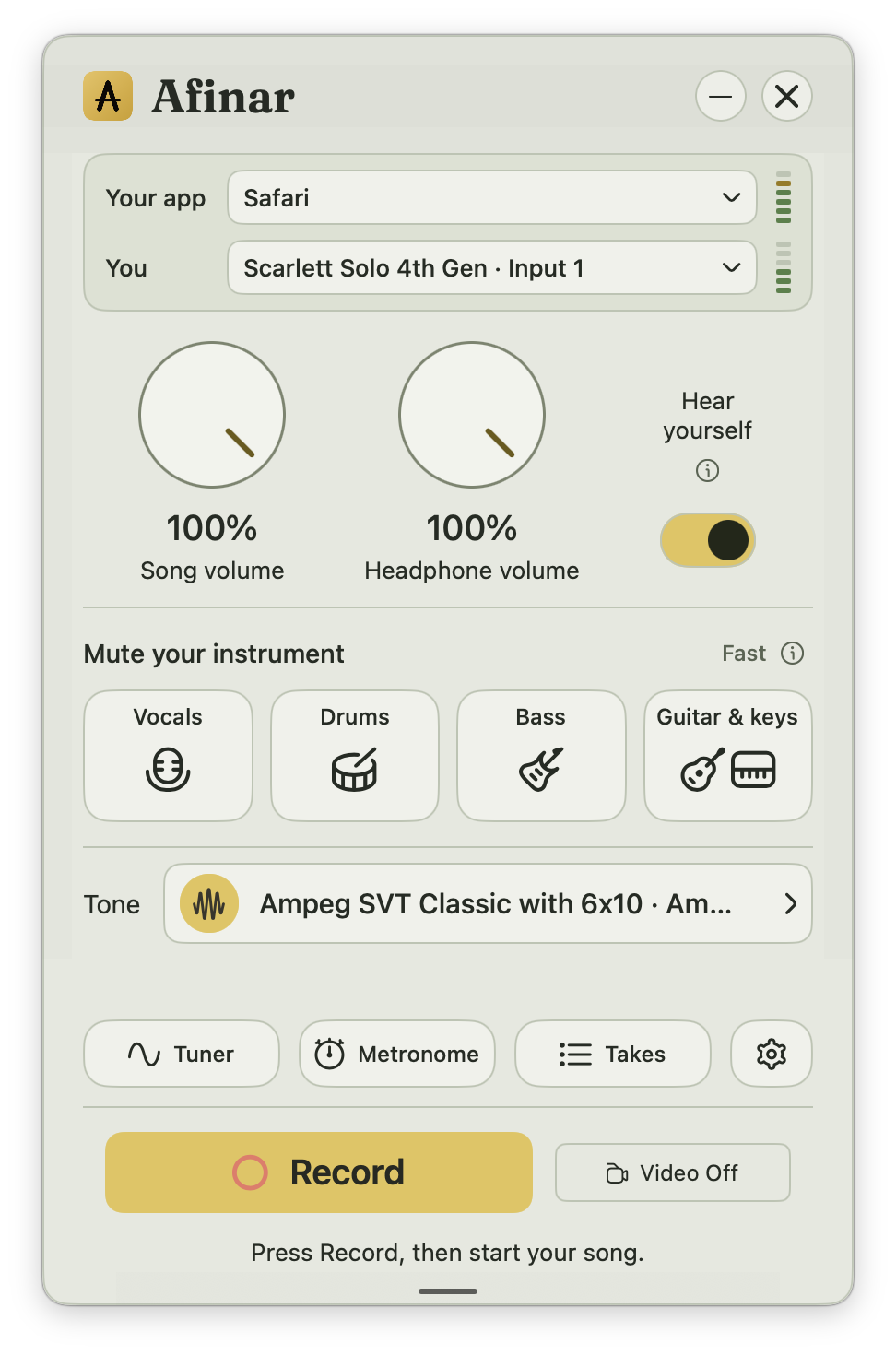
Record vocals, guitar, or another instrument over the music playing on your Mac. Afinar captures the song directly from its app and your performance from your microphone or audio interface. Turn on your camera to record video, too.
- 01
Choose what you’re playing with.
Open a song, backing track, or lesson in your music app or browser. Select that app in Afinar.
- 02
Bring yourself into the mix.
Choose your microphone or instrument input. Turn on your camera if you want video.
- 03
Hit record. Start the song.
Press Record, then start the song. Afinar begins the take when the music starts.
REAL-TIME STEM SEPARATION
Mute any instrument in real-time.
Record yours.
Afinar uses real-time stem separation to mute vocals, drums, bass, or guitar and keys in the original song. Record your own part while the rest keeps playing. The music is separated as it plays, with no uploads or advance processing.
Mute one part at a time. Guitar and keys mute together.
MADE TO BE SHARED.
PORTRAIT OR LANDSCAPE.
READY TO SHARE.
Record a performance video with music in portrait for TikTok, Instagram Reels, or YouTube Shorts. Choose landscape for a full-width YouTube video. Set the framing before you record.
Trim. Balance. Share.Trim your take, balance your playing against the music, and export a video ready to post. Include the song or share your performance on its own.
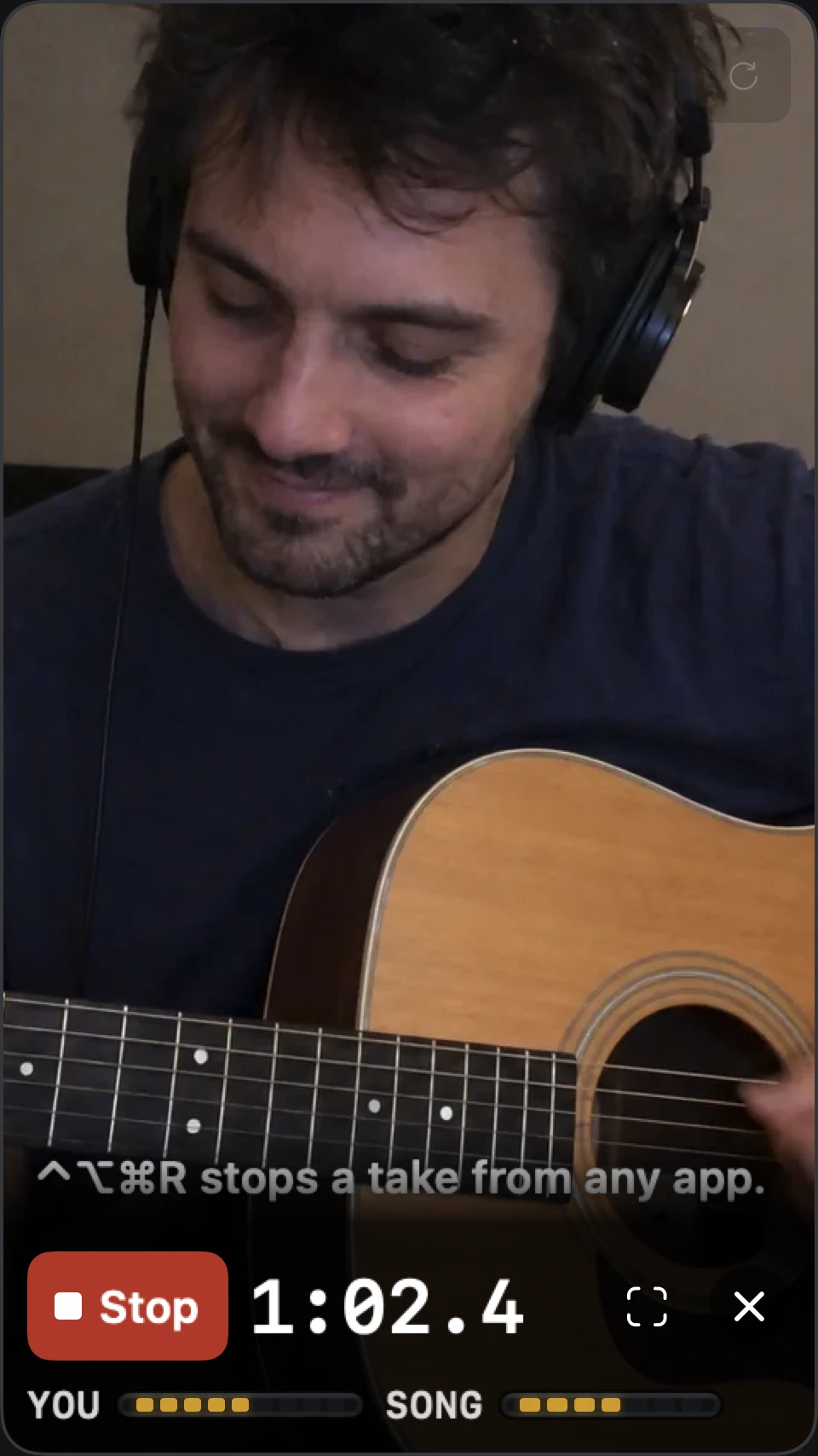
PORTRAIT / 9:16TikTok · Instagram Reels · YouTube Shorts
RECORD.
LISTEN.
IMPROVE.
You can’t hear everything
while you’re playing.
Record your practice sessions and listen back for the rushed chorus, the missed note, and the part you finally nailed. Compare your saved takes to hear your progress, or send an audio or video recording to your teacher for feedback.
THE LESSONS AND TABS YOU ALREADY USE.
Keep your guitar tabs or online lesson open in your browser. Record yourself playing along with Afinar, then listen back to the part you’re learning.
 Songsterr
 Ultimate Guitar
 JustinGuitar
 Drumeo
 BassBuzz

Find the part
that needs another go.
Bring your playing forward in the mix. Listen for the timing, the phrasing, and the little things you missed in the moment.
Today’s recording.
Tomorrow’s reference.
Your takes stay saved in Afinar. Return to an earlier session and hear the difference for yourself.
Let your teacher
hear what you hear.
Send an audio or video take for feedback. Give your teacher something specific to help you with before the next lesson.
 Always handy in your menu bar
THE ORIGINAL RECORDING.
WITH YOU ON guitar, bass, drums or keys.
Like karaoke for your instrument. Take your part out of the original song and play it yourself, with the band that recorded it.
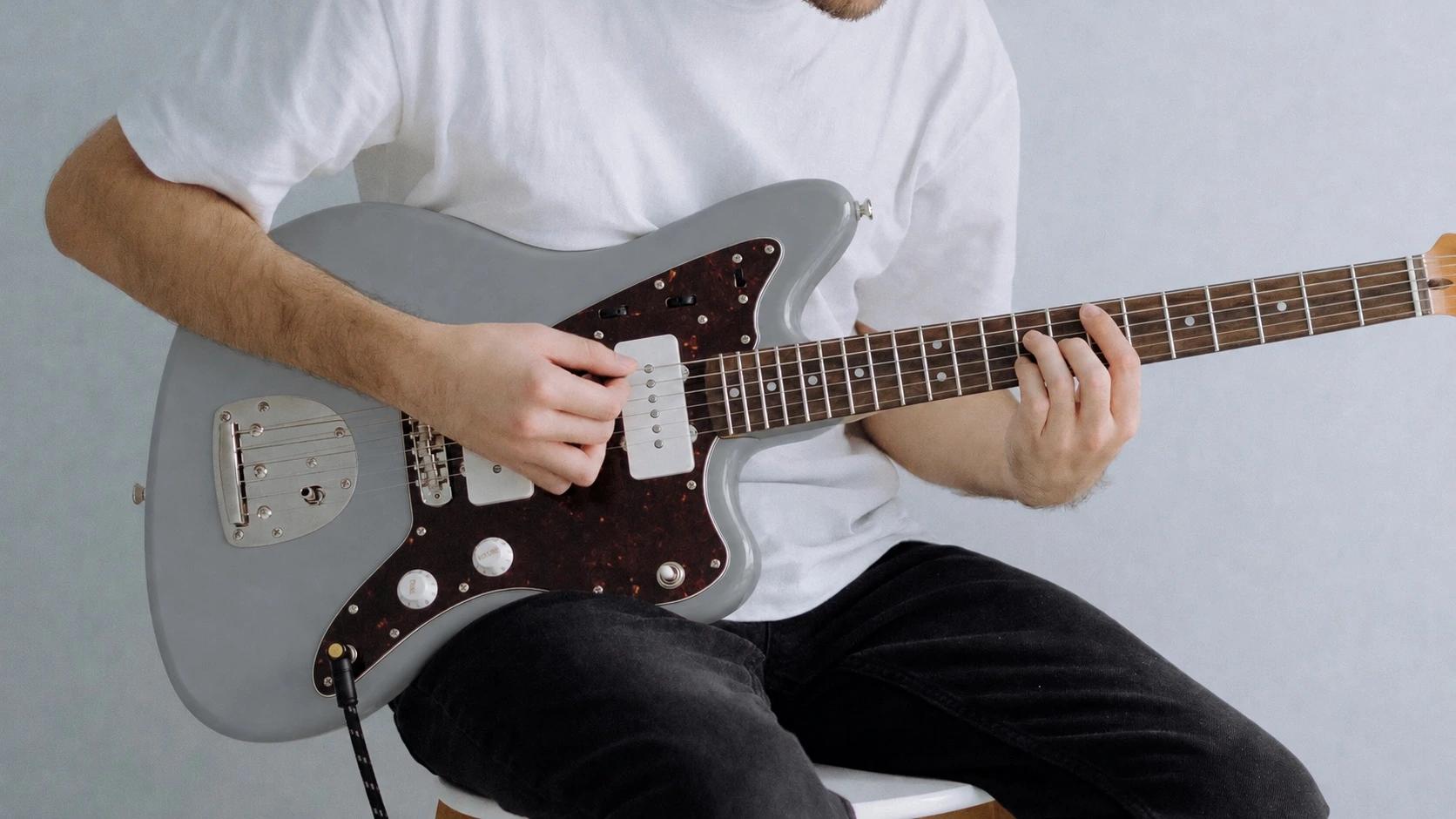 PLAY WITH THE RECORDING YOU FELL IN LOVE WITH.
YOUR SONG. YOUR APP. YOUR PART, PLAYED BY YOU.
Real-time stem separation.
Right on your Mac.
- 01
Play the song where you already listen.
Open it in your music app or browser, and choose that app in Afinar.
- 02
Take your part out, live.
Choose Vocals, Drums, Bass, or Guitar & keys. Afinar separates the song as it plays and pulls your part out, right on your Mac. There’s no file to prepare and nothing to wait for. Afinar never uploads your song and generates nothing, so you hear the original recording, minus your part.
- 03
Plug in and play along.
Turn on Hear yourself to hear your instrument with the band, through the tone you chose.
- As it playsNo upload, no waiting for a file
- On your MacSeparated by your Mac, nowhere else
- In your appThe music app, browser or lesson you already use
One part at a time. Guitar and keys mute together. Press Record whenever you want to keep a take.
How muting works
EVERY AMP YOU EVER WANTED.
FREE IN AFINAR.
Afinar is integrated with TONE3000, the home of Neural Amp Modeler captures. Browse its library inside Afinar, download a tone, and play the song through it.
See TONE3000 in AfinarA / REAL GEAR, CAPTURED
A recording of a real amp.
A capture holds how a real amp and its speaker behave, down to the way they break up when you dig in. Vintage heads, boutique combos, cabinets nobody has room for.
B / MADE BY PLAYERS
Thousands of tones. New ones daily.
Musicians around the world capture the gear in their own rooms and share it on TONE3000, for guitar, bass, and anything else you put through an amp.
C / WHERE YOU PRACTICE
No plugin. No pedal.
Sign in to TONE3000 once inside Afinar. Pick a tone, press Download and use, and play. Every tone is free.
OR START WITH AFINAR’S OWN
A pedal for every instrument.
Guitar, bass, voice, keys, and strings each get their own pedal, with Chorus, Delay, and Reverb on top. Add one of Afinar’s amp models, or bring the NAM files already on your Mac, A2 captures included.
Explore tonesAfinar plays complete rigs, with the amp and speaker captured together.
What do I need to get started?
A Mac with Apple silicon running macOS 26 or later, plus wired headphones. Use a microphone for your voice or an acoustic instrument, or connect an audio interface for an electric instrument. Afinar guides you through the audio permissions the first time you open it.
Read the setup guideCan I use the music I already listen to?
Yes. Choose the app playing your song, video, backing track, or lesson. Afinar captures the audio directly from that app. Some protected content may restrict audio capture.
Does Afinar use AI?
Not to make music. Afinar never writes, changes or fixes a note, so everything you hear is the original recording or you. Muting a part as the song plays and changing a take’s tone both happen on your Mac. Afinar never uploads your songs, your playing or your takes, and nothing is trained on them.
How Afinar handles your dataCan I record myself with a backing track without a DAW?
Yes. Open the backing track in a music app or browser, select that app in Afinar, and choose your microphone or audio interface. Press Record, then start the track. Afinar records the music and your performance together. Turn on your camera if you want video.
Record myself with a backing trackDo I need to record video?
No. Record audio on its own, or switch on your camera for video. Choose portrait or landscape before the take. An iPhone used as your Mac’s camera or a 4K webcam gives a sharper portrait crop.
How do I share a recording?
Open your take, trim it if you like, and choose Share. Export your part alone or include the song, then upload the file to your social app or send it to your teacher. Include music only when you have permission to share it.
Is Afinar available for Windows?
Windows is in development. Join the notification list and we’ll let you know when it’s ready.
Get notified for WindowsA TAKE TO SHARE. A REASON TO PRACTICE. A SONG TO GET LOST IN.
PLAY SOMETHING
YOU LOVE.
Open Afinar.
Put something on.
See where it takes you.